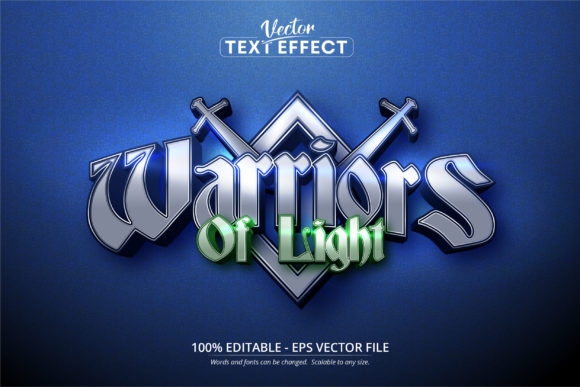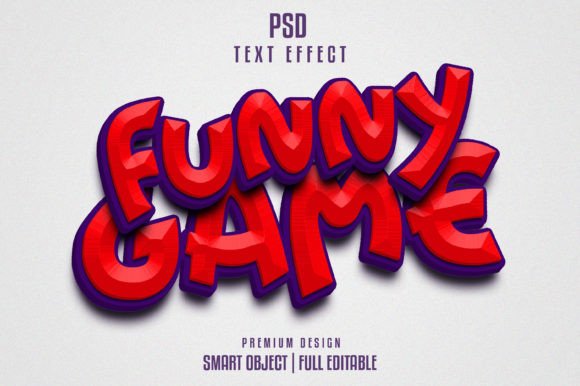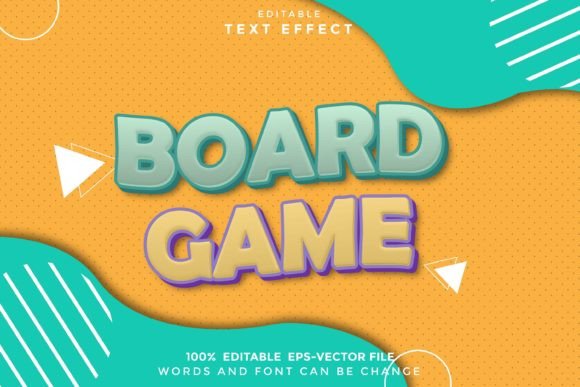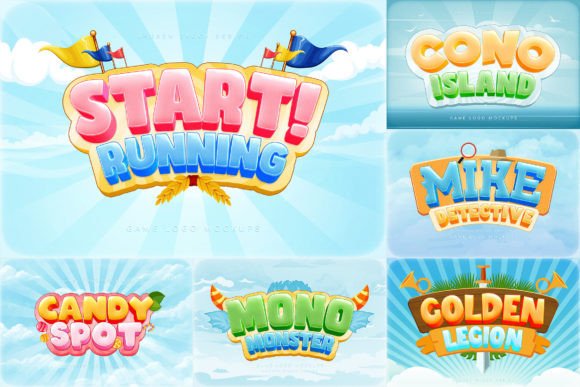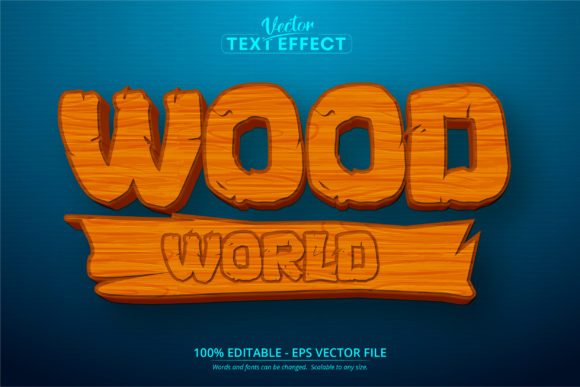
Wood World Text Effect for Mobile Games & Cartoons
What Is the Wood World Text Effect?
The Wood World Text Effect is a downloadable Adobe Illustrator EPS CS6 file that creates a stylized, cartoon-like wooden text appearance. Unlike traditional fonts, this is a fully editable vector-based text effect. It allows users to scale, recolor, and customize text while maintaining high quality and visual appeal. It's especially popular in mobile game design, cartoon graphics, and digital illustration projects where a natural, rustic, or playful aesthetic is desired.
Why Designers and Creators Choose This Text Effect
Designers and creators often seek tools that offer flexibility and visual impact. The Wood World Text Effect delivers both. Its editable nature means users can easily adapt the text to fit different themes, color schemes, or branding styles. Since it's built for Adobe Illustrator, it supports high-resolution output and is ideal for both print and digital media.
For mobile game developers, the effect helps establish a cohesive and engaging visual identity. Cartoon creators also benefit from its stylized look, which can match character designs or background themes. Educators and hobbyists appreciate how quickly it enhances visuals without requiring advanced design skills.
Beginners and Hobbyists
If you're just starting out in design or working on a personal project, the Wood World Text Effect can be a game-changer. You don’t need to be a typography expert to create professional-looking text. Since it's editable in Illustrator, you can change the text content, size, and colors with minimal effort.
- Use it for personal blogs, social media graphics, or DIY projects.
- Customize colors to match your brand or seasonal themes.
- Quickly scale the text for different formats like posters or mobile banners.
Freelancers and Small Business Owners
Professionals who need to deliver polished visuals efficiently will find this effect especially useful. For small business branding or promotional materials, a unique text style can help your content stand out without hiring a designer.
Freelancers may use it to add value to client projects, such as designing game assets, children’s book covers, or themed marketing materials. Because it's scalable and editable, it adapts well to different deliverables, from digital ads to printed flyers.
Educators and Content Creators
Visual learning tools and engaging educational content often rely on appealing typography. The Wood World Text Effect can enhance lesson plans, infographics, and explainer videos. It works especially well for younger audiences or nature-themed content.
Content creators can use it to design thumbnails, video titles, or printable worksheets. Since the file is compatible with Illustrator CS6 and later, it integrates smoothly into common design workflows.
Game Developers and Animators
For mobile game developers, consistent and appealing visuals are crucial. The Wood World Text Effect supports a cartoonish or rustic theme that fits many game genres, especially puzzle, adventure, or educational games.
Animators and cartoon designers also appreciate how the effect can be layered with other vector graphics. It allows for easy integration with character designs, background elements, or UI components.
Key Features and Practical Uses
- Editable in Adobe Illustrator: Change text, colors, and layout without losing quality.
- Scalable: Works at any size—ideal for logos, banners, or mobile UI elements.
- Cartoon Style: Perfect for children’s media, mobile games, and playful branding.
- High Quality: Vector format ensures crisp visuals at any resolution.
Real-World Examples
Mobile Game UI: A puzzle game uses the Wood World Text Effect for buttons and level titles, giving the interface a warm, inviting look.
Printable Educational Materials: A teacher creates a set of vocabulary flashcards using the effect to make learning more engaging for young students.
Branded Merchandise: A small business owner uses the text effect on t-shirt designs and packaging to reflect a rustic, handmade brand image.
Considerations Before Using
While the Wood World Text Effect is versatile, it’s important to evaluate whether it fits your specific needs. Here’s what to consider based on your role:
Beginners
Make sure you have access to Adobe Illustrator or can learn the basics quickly. While the file is easy to edit, some features may require basic knowledge of vector tools.
Professionals
Consider how this effect integrates with your existing design system. If you're working on multiple platforms or need font-based solutions, this may not be the best fit—but as a design asset, it's highly valuable.
Entrepreneurs and Marketers
Think about long-term use and brand consistency. If your brand leans toward a modern or minimalist style, this effect may not align with your identity. But if your niche is nature, play, or education, it could be a perfect match.
Final Thoughts
The Wood World Text Effect is more than a design asset—it’s a tool that empowers creators across different fields. Whether you're a game developer crafting a mobile app, an educator designing classroom materials, or a small business owner building a visual brand, this effect offers practical benefits and creative flexibility.
Its compatibility with Adobe Illustrator, ease of customization, and scalable quality make it a smart choice for anyone looking to enhance their visuals without sacrificing control or clarity. If you're working on a project that calls for a warm, playful, or natural aesthetic, the Wood World Text Effect could be just what you need to bring your vision to life.